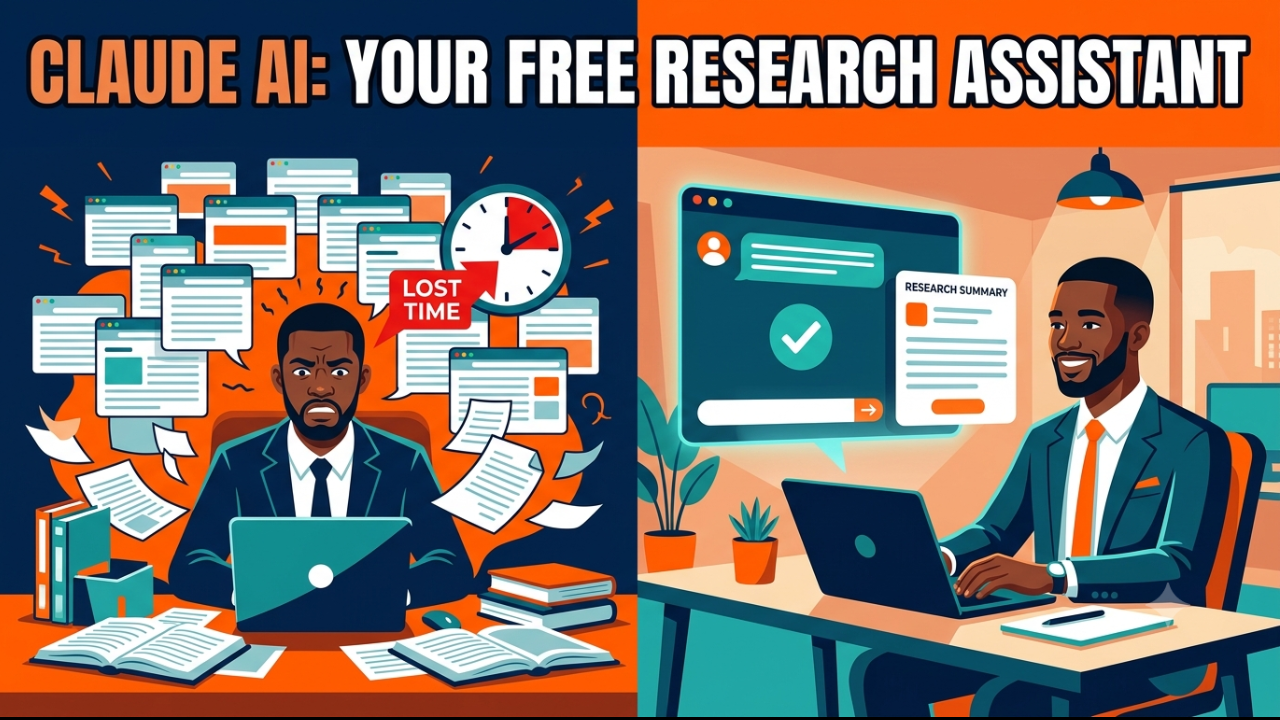
Quick answer: Claude AI can work as a free personal research assistant because its free tier includes real-time web search, file uploads, and Projects for organizing sources. You give Claude a clear research question, let it search and summarize multiple sources, ask it to compare or structure the findings, and then verify the key facts yourself before you publish or present them. This turns a task that normally takes hours of tab-switching into a 10–15 minute workflow.
If you’re a student, founder, job seeker, or content creator in Lagos, Accra, Nairobi, or Johannesburg trying to research faster without paying for expensive tools, this guide walks through the exact system — no subscription required.
Why Claude Works as a Research Assistant
Manual research usually means: open 15 browser tabs, skim each one, copy quotes into a doc, lose track of which source said what, and spend more time organizing than actually learning. Claude collapses most of that into a single conversation.
As of mid-2026, Claude’s free plan includes web search, file uploads (up to 20 files per chat), Projects, and Artifacts, with no credit card required to sign up. That means you can ask Claude to search the live web, read a PDF or spreadsheet you upload, and turn the findings into a structured summary — all without paying anything.
Claude vs. Manual Search vs. ChatGPT
| Factor | Manual Google Search | Claude AI | ChatGPT (free) |
|---|---|---|---|
| Time to synthesize 5 sources | 20–40 minutes | 3–5 minutes | 5–8 minutes |
| Structures findings for you | No | Yes | Partially |
| Reads uploaded PDFs/spreadsheets free | N/A | Yes | Limited |
| Organizes ongoing research (Projects) | No | Yes | Partially (custom GPTs) |
| Risk of outdated or wrong facts | Low (you choose sources) | Medium (always verify) | Medium (always verify) |
The takeaway: Claude is faster at synthesis, but it doesn’t replace judgment. Treat it as a first-pass researcher, not a final authority.
The Claude Research Workflow
Here’s the repeatable 5-step workflow. Think of it as a funnel — you go from a broad question to a verified, structured answer.
STEP 1: Define the question
   "What exactly do I need to know, and why?"
        │
        ▼
STEP 2: Ask Claude to search + summarize
   Use web search, request multiple sources
        │
        ▼
STEP 3: Ask Claude to structure the findings
   Tables, comparisons, pros/cons, timelines
        │
        ▼
STEP 4: Fact-check the load-bearing claims
   Numbers, dates, quotes, prices — verify manually
        │
        ▼
STEP 5: Turn it into output
   Report, blog draft, presentation, decision memo
Step 1 — Define the question narrowly. “Tell me about remote work” gives you mush. “What are the top 5 remote-friendly job categories for Nigerian professionals in 2026, and what skills do they require?” gives you something usable.
Step 2 — Let Claude search and summarize. Ask directly for current information (Claude will search the web automatically) and ask it to pull from more than one source so you’re not relying on a single, possibly biased, article.
Step 3 — Ask for structure. Claude is strongest when you tell it the shape you want: a comparison table, a pros/cons list, a timeline, or a ranked list with reasoning.
Step 4 — Fact-check before you use anything. This is the step most people skip. See the dedicated section below — it’s non-negotiable.
Step 5 — Convert to output. Once you trust the findings, ask Claude to turn them into whatever you actually need: a report, an outline, a slide deck, or a decision memo.
5 Research Prompt Templates You Can Copy Right Now
Paste these into Claude and swap in your topic.
1. The Broad Overview Prompt
“I’m researching [topic]. Search for current, reliable information and give me an overview covering: what it is, why it matters right now, the main viewpoints or approaches, and 3–5 sources I can dig into further.”
2. The Comparison Prompt
“Compare [Option A] vs [Option B] vs [Option C] for [your specific goal]. Build a table covering cost, time investment, pros, cons, and who each option is actually best for.”
3. The Fact-Verification Prompt
“I read that [specific claim]. Search for current information to confirm whether this is accurate, and tell me if sources disagree or if this has changed recently.”
4. The Document-Digest Prompt (upload a PDF, report, or spreadsheet first)
“Here’s a [report/PDF/spreadsheet]. Summarize the 5 most important findings, flag anything that contradicts common assumptions, and list any numbers I should double-check independently.”
5. The Decision-Ready Prompt
“Based on everything we’ve discussed about [topic], give me a structured recommendation: what you’d do in my position, the key risks, and what would have to be true for a different option to be better.”
Fact-Checking Note: Read This Before You Trust Anything Claude Tells You
Claude is a language model, not a database. It can misstate a number, cite an outdated figure, or occasionally get details wrong — this is true of every AI system, not just Claude. Treat every research session with one rule:
Anything you plan to publish, present to a client, or make a decision on must be independently verified — especially statistics, prices, dates, legal or medical claims, and direct quotes attributed to real people. A practical habit: when Claude gives you a fact that matters, ask it to name the source, then open that source yourself before you use the number. If Claude used its web search feature, it’s citing live pages you can click through and confirm — use that.
Claude is excellent at speeding up the first 80% of research — finding angles, structuring information, surfacing sources you wouldn’t have thought to search for. The last 20% — verification — is still your job.
Step-by-Step: Your First Research Session in Claude
- Go to claude.ai and sign up free (no card required).
- Start a new chat and paste your research question using one of the templates above.
- If you have background documents, upload them directly into the chat.
- Ask follow-up questions to narrow or expand — treat it like a conversation with a fast, well-read colleague, not a single search box.
- For an ongoing project (e.g., a 30-day content series or a business plan), create a Project so Claude keeps your research organized in one place instead of scattered across chats.
- Before finalizing anything, run your fact-check pass on the key numbers and claims.
Frequently Asked Questions
Is Claude AI actually free to use for research? Yes. Claude’s free tier includes web search, file uploads, Projects, and Artifacts with no credit card required. Free usage is limited to a set number of messages within a rolling window, which resets after a few hours, so it’s well suited to research sessions but not unlimited all-day use.
Can Claude search the internet for current information? Yes, Claude can search the live web and cite the pages it used, which means you can click through and verify the underlying sources instead of taking its summary on faith.
Is Claude more accurate than Google for research? They do different jobs. Google gives you a list of pages to read yourself; Claude reads and synthesizes multiple pages for you, then lets you verify. Claude is faster for synthesis but should never replace checking primary sources for anything high-stakes.
Can Claude read PDFs, Excel files, or Word documents I upload? Yes, the free plan supports uploading documents (up to 20 files per chat) and Claude can summarize, extract data from, or answer questions about them directly.
What’s the biggest mistake people make using Claude for research? Trusting a single AI-generated answer without checking the source, especially for numbers, dates, prices, and quotes. Always ask Claude for its sources and verify anything you plan to publish or act on.
Is Claude better than ChatGPT for research tasks? Both can search the web and summarize sources. Many users find Claude stronger at structuring long or nuanced findings into clear tables and comparisons, while the two are broadly comparable for quick fact lookups. Test both on your specific use case since strengths shift with each model update.
Suggested Internal Links
- Day 3 post: “Professional Writing with Claude AI“
- Day 2 post: “Claude Free vs Paid: What You Actually Get Without Spending a Naira“
- AI Skills Academy course page (Claude for Business Automation, Content, Claude Mastery, ChatGPT Mastery etc.)
Written by Olasunkanmi Adeniyi O : Olasunkanmi is a Product Manager, AI Prompt Engineer, and Technical Writer specializing in advanced automation and digital strategy. As the founder of AI Discoveries, he creates high-performance frameworks and digital operating systems designed to help professionals leverage artificial intelligence, optimize workflows, and build scalable global brands.




Leave a Reply