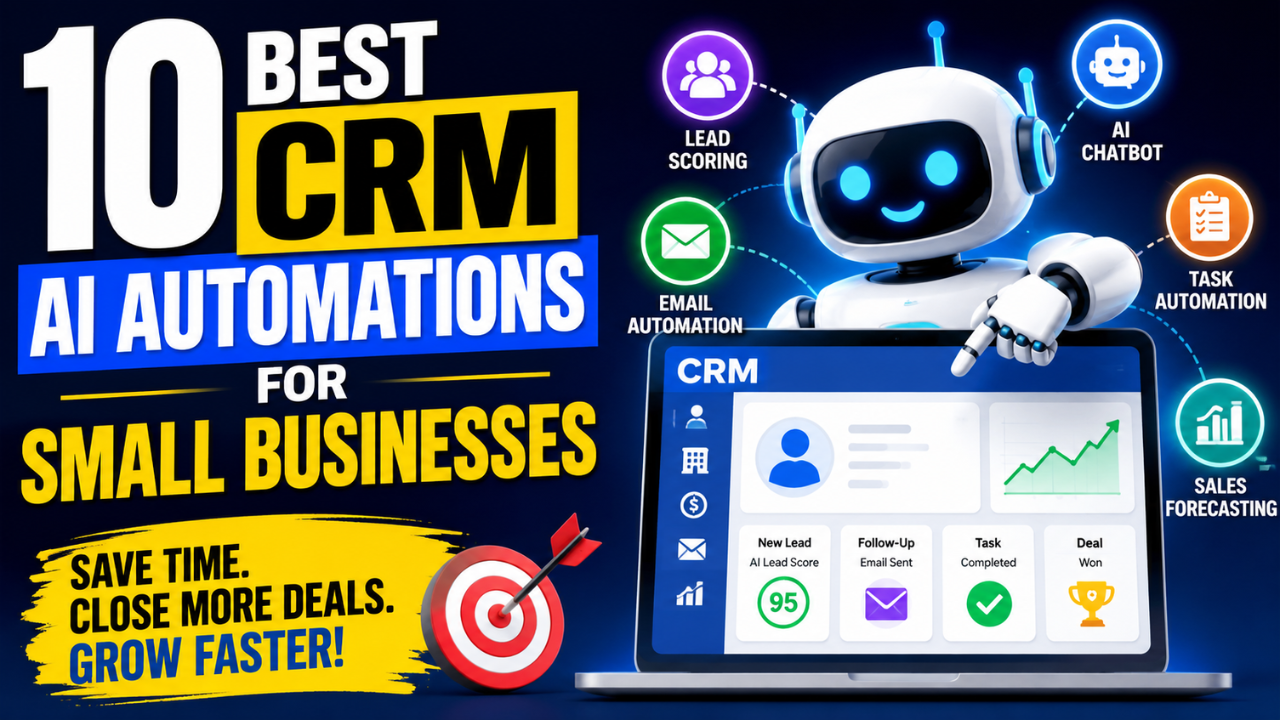
Running a small business means wearing multiple hats.
You’re managing leads, responding to customers, following up on sales, scheduling meetings, sending emails, and trying to grow your business at the same time.
The problem is that manual CRM work consumes valuable hours every week.
This is where AI CRM automation makes a difference.
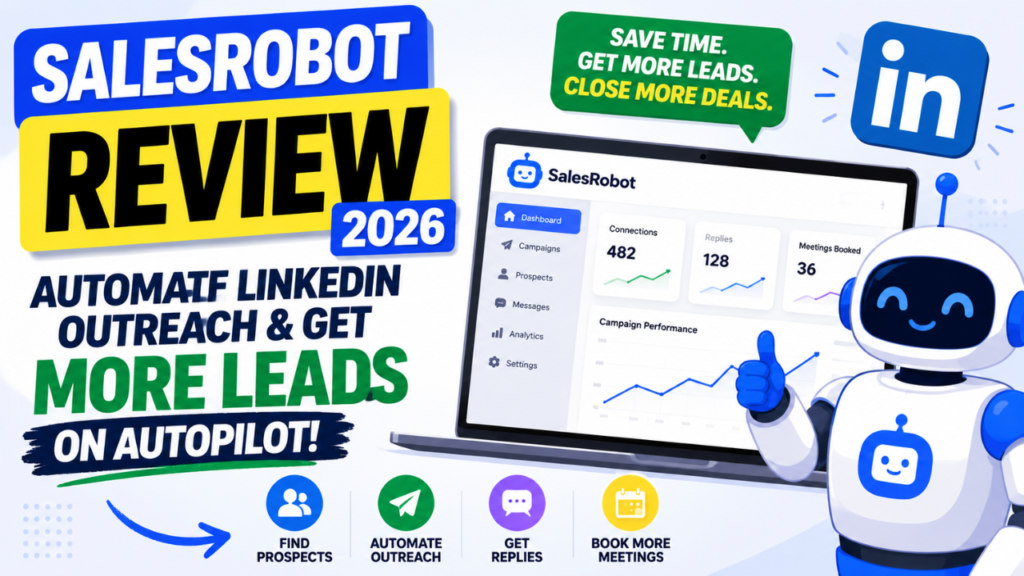
Modern CRM systems now use artificial intelligence to automate repetitive work, qualify leads, predict customer behavior, write emails, summarize conversations, and help sales teams close more deals with less effort.
According to Salesforce, sales representatives spend less than one-third of their time actively selling. Most of their day goes into administrative work that AI can automate.
In this guide, you’ll discover the best CRM AI automations for small businesses, how they work, and which ones deliver the highest return on investment.
Read Also: How to Use ChatGPT to Make Money in the Next 7 Days (Beginner’s Guide)
Quick Summary
If you’re short on time, these are the most valuable CRM AI automations:
- AI Lead Scoring
- Automated Email Follow-ups
- AI Chatbots
- Smart Contact Data Entry
- Meeting Summaries
- Sales Forecasting
- AI Task Automation
- Customer Sentiment Analysis
- AI Content Generation
- Predictive Customer Insights
Let’s explore each one.
What Is CRM AI Automation?
CRM AI automation combines customer relationship management software with artificial intelligence.
Instead of manually updating records, sending reminders, or following up with prospects, AI performs these tasks automatically.
The result is:
• Faster sales cycles
• Better customer experiences
• Higher conversion rates
• More accurate data
• Lower operating costs
For small businesses, AI acts like an additional sales assistant that works 24 hours a day.
1. AI Lead Scoring
Best for:
Businesses receiving dozens or hundreds of leads every month.
One of the biggest challenges is knowing which prospects deserve immediate attention.
AI analyzes hundreds of data points including:
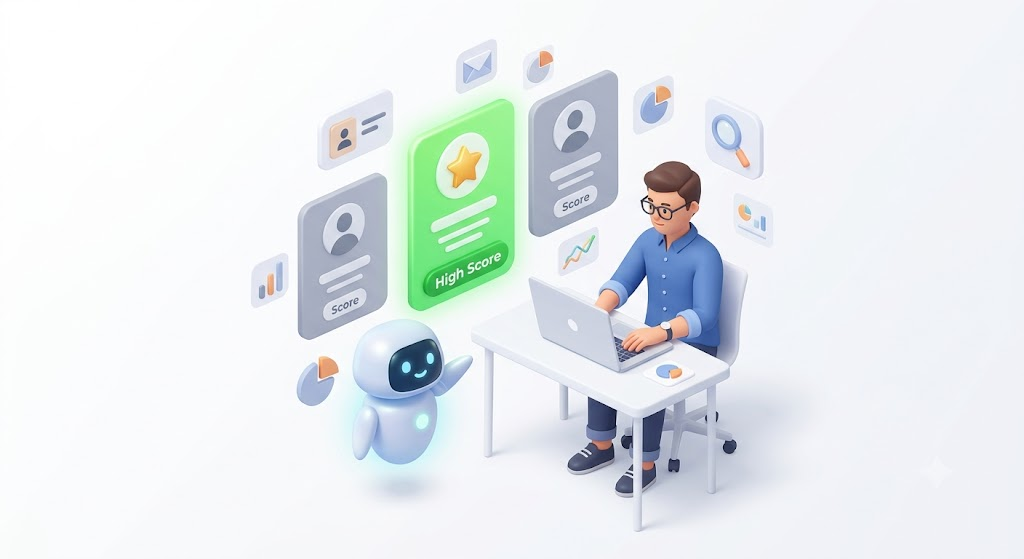
• Website visits
• Email engagement
• Company size
• Purchase history
• Industry
• Previous conversations
It then ranks leads based on their likelihood to convert.
Benefits
• Prioritize high-value prospects
• Increase sales productivity
• Reduce wasted effort
• Improve conversion rates
Ideal industries
• SaaS
• Agencies
• Real estate
• Consulting
• B2B services
2. Automated Email Follow-ups
Following up consistently is difficult.
Many sales opportunities are lost simply because businesses forget to follow up.
AI automatically sends personalized emails based on customer actions.
Examples include:
A customer downloads your ebook.
AI sends:
Day 1:
Thank you email.
Day 3:
Helpful resources.
Day 5:
Case study.
Day 7:
Book a demo invitation.
Everything happens automatically.
Benefits
• Higher response rates
• Consistent communication
• More booked meetings
• Better customer experience

3. AI Chatbots That Qualify Leads
Modern AI chatbots do far more than answer FAQs.
They can:
• Collect customer information
• Recommend products
• Schedule appointments
• Book demos
• Answer technical questions
• Route customers to the correct department
Unlike traditional chatbots, AI understands natural language.
This creates conversations that feel human.
Perfect for
• Ecommerce stores
• Service businesses
• Healthcare
• Education
• Logistics companies
4. Automatic Contact Data Entry
Sales teams waste hours updating CRM records.
AI eliminates manual entry by automatically recording:
• Emails
• Phone calls
• Meeting notes
• Customer interactions
• Purchase history
Everything stays organized without manual effort.
Benefits
• Cleaner CRM
• Better reporting
• Fewer mistakes
• More selling time
Read Also: How to Start a One-Person Business With AI: The Complete Beginner’s Guide (2026)
5. AI Meeting Summaries
After every Zoom, Google Meet, or Microsoft Teams call, AI creates:
• Meeting summaries
• Action items
• Follow-up emails
• Customer insights
• Next steps
Instead of spending 20 minutes writing notes, everything is ready within seconds.
Benefits
• Faster documentation
• Better collaboration
• Improved customer service
6. Predictive Sales Forecasting
Traditional forecasting relies on guesswork.
AI analyzes historical sales data, customer behavior, market trends, and pipeline activity to predict future revenue.
Business owners can identify:
• Expected monthly revenue
• Deals at risk
• Sales bottlenecks
• Growth opportunities
This leads to better business decisions.
7. AI Workflow Automation
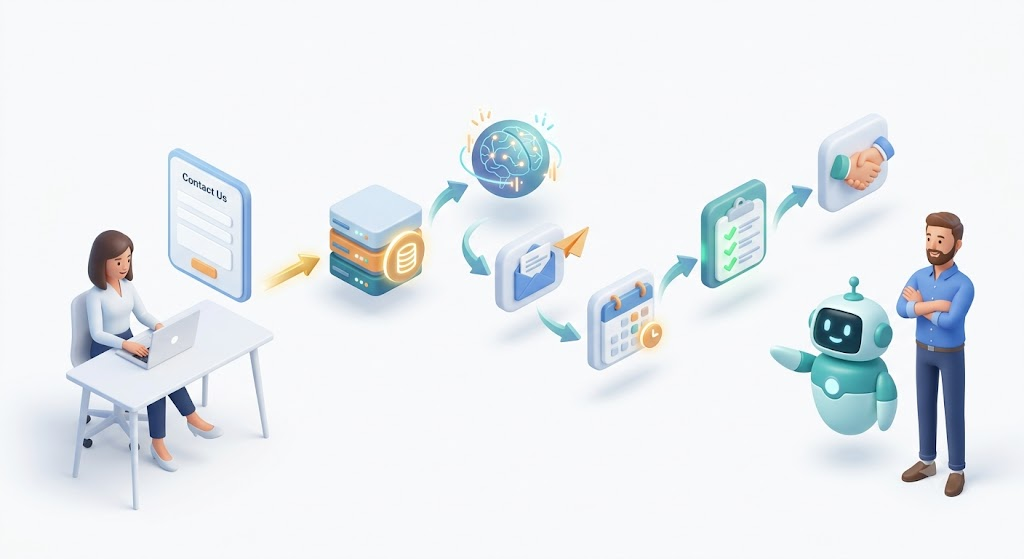
Many daily business processes follow the same pattern.
For example:
Customer submits form.
↓
Lead enters CRM.
↓
AI scores lead.
↓
Sales representative receives notification.
↓
Email sequence starts.
↓
Meeting gets scheduled.
↓
Follow-up reminders created.
No manual work required.
Benefits
• Faster response times
• Better consistency
• Reduced administrative workload
8. Customer Sentiment Analysis
AI can analyze:
• Emails
• Reviews
• Live chat
• Customer support conversations
• Survey responses
It determines whether customers are:
• Happy
• Frustrated
• Angry
• Ready to purchase
This helps businesses respond before customers leave.
Ideal for
Customer support teams.
9. AI Content and Email Generation
Many CRM platforms now include AI writing assistants.
They help create:
• Sales emails
• Follow-up emails
• Product descriptions
• Customer replies
• Marketing campaigns
• Meeting invitations
Instead of starting from scratch, AI generates a professional first draft in seconds.
Benefits
• Save time
• Improve consistency
• Increase productivity
10. Predictive Customer Insights
One of the most powerful AI features is predicting future customer behavior.
AI can estimate:
• Which customers may churn
• Which customers are ready to upgrade
• Which products they’ll likely purchase
• When customers are likely to buy again
This enables proactive selling instead of reactive selling.
Benefits of CRM AI Automation for Small Businesses
Businesses implementing AI CRM automation often experience:
• Faster lead response
• Higher customer satisfaction
• Increased sales
• Reduced operational costs
• Better forecasting
• Improved productivity
• More accurate customer records
• Stronger customer retention
How to Choose the Right CRM AI Automation
Before investing in AI, consider these factors.
Ease of Use
Choose software your team can learn quickly.
Complex systems often reduce adoption.
Integration
Ensure it connects with your:
• Website
• Accounting software
• Marketing tools
• Calendar
AI Features
Look for features like:
• Lead scoring
• Email generation
• Workflow automation
• Predictive analytics
• AI assistants
Pricing
Many platforms offer affordable plans for small businesses.
Avoid paying for enterprise features you won’t use.
Scalability
Choose software that grows with your business.
Best CRM Platforms with AI Features
Some of the leading CRM platforms offering AI include:
• HubSpot CRM
• Zoho CRM
• Pipedrive AI
• Freshsales
• Microsoft Dynamics 365
• Monday CRM
• Creatio CRM
• Zendesk Sell
• Insightly CRM
Each platform offers different AI capabilities depending on your business size and budget.
Frequently Asked Questions
What is AI CRM automation?
AI CRM automation uses artificial intelligence to automate repetitive CRM tasks such as lead scoring, email follow-ups, customer support, meeting summaries, and sales forecasting.
Is AI CRM worth it for small businesses?
Yes.
Even businesses with only a few employees can save hours every week while improving customer relationships and increasing sales.
Which CRM has the best AI features?
HubSpot, Salesforce, Zoho CRM, Pipedrive, and Freshsales are among the most popular choices for small businesses.
The best option depends on your budget, business size, and required features.
Can AI replace sales representatives?
No.
AI handles repetitive administrative work.
Sales professionals still build relationships, negotiate deals, and make strategic decisions.
How much does an AI CRM cost?
Many AI CRM platforms offer free plans.
Paid plans typically start between $20 and $100 per user per month, with enterprise options costing more.
Final Thoughts
AI is changing how small businesses manage customer relationships.
Instead of spending hours on repetitive tasks, business owners can automate lead qualification, customer communication, meeting documentation, sales forecasting, and workflow management.
The biggest advantage is not replacing people. It is giving small teams the ability to operate like much larger organizations.
If you’re investing in CRM software this year, prioritize platforms with built in AI automation. The time savings, improved customer experience, and increased sales can quickly outweigh the cost.
Whether you’re a startup, agency, ecommerce business, logistics company, or service provider, adopting the right CRM AI automations can help you scale faster while keeping your customers at the center of every interaction.
Key Takeaways
• AI lead scoring helps sales teams focus on high value prospects.
• Automated email follow ups improve response rates and conversions.
• AI chatbots qualify leads and provide instant customer support.
• Smart data entry keeps your CRM accurate without manual work.
• AI meeting summaries eliminate note taking.
• Predictive analytics improves sales forecasting.
• Workflow automation reduces repetitive tasks.
• Customer sentiment analysis helps identify at risk customers early.
• AI content generation speeds up sales and marketing communication.
• Predictive customer insights increase retention and upselling opportunities.
Read Also: How to Make Your First $1,000 With AI: The Complete Beginner’s Guide




Leave a Reply