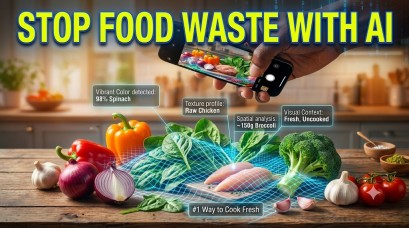
Imagine opening your fridge after a long day, staring at a random assortment of half-used vegetables, a block of cheese, and some leftover protein, and having absolutely no idea what to make.
Read Also: The Ultimate Guide to AI Recipe Generators: How to Program Your Kitchen in 2026
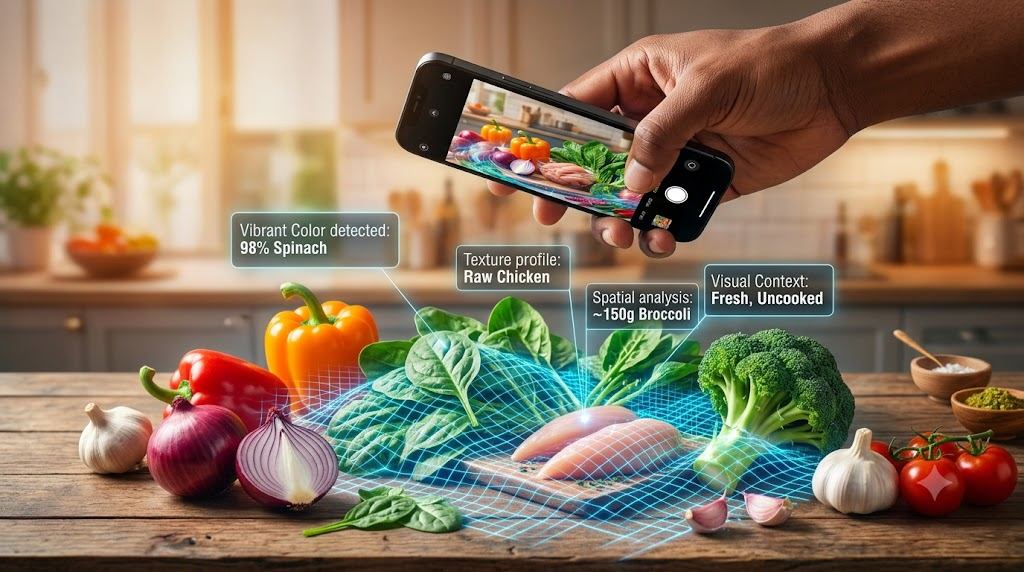
Instead of ordering takeout, you snap a single photo. Within seconds, an AI identifies every single item—even that slightly wilted spinach—and hands you a step-by-step, customized recipe tailored exactly to what you have on hand.
This isn’t future sci-fi; it’s the power of Visual Prompting via multimodal AI vision models. Here is your ultimate guide to mastering visual prompting for instant meal generation, reducing food waste, and leveling up your culinary game.
What is Visual Prompting in AI?
Traditional AI models like ChatGPT or Claude originally only understood text. If you wanted recipe help, you had to type out every single ingredient in your pantry.
Visual prompting changes the game. It is the act of using an image (or a combination of images and text) as the primary input to guide an AI’s response. Thanks to Multimodal Vision Models (like GPT-4o, Gemini 1.5 Pro, and Claude 3.5 Sonnet), AI can now “see,” analyze pixels, recognize textures, and understand context just like a human eye would.
Step-by-Step: How to ID Raw Ingredients and Generate Instant Meals
To get the absolute best results from a visual prompt, you can’t just take a blurry photo in the dark. Follow this framework to get perfect recipes every time.
Step 1: Prep Your Ingredients for the Camera
AI vision models are incredibly smart, but they can’t see through opaque containers or behind large objects.
- Spread them out: Lay your ingredients on a counter or open your fridge door wide.
- Ensure good lighting: Shadows can turn a zucchini into a cucumber in the eyes of an AI.
- Unwrap when possible: If something is hidden in foil or a dark bag, pull it out so the AI can analyze its color and texture.
Step 2: Craft the Perfect Multimodal Prompt
Don’t just upload the picture and say “What can I make?” To get a highly structured, delicious, and safe recipe, combine your image with a targeted text prompt.
The Ultimate Visual Prompt Template:
*”Analyze this image and identify all the raw ingredients you see. Based strictly on these items (plus standard pantry staples like oil, salt, and pepper), generate a recipe that takes under [X] minutes.
- Dietary Restrictions: [e.g., Keto, Vegan, Gluten-Free]
- Skill Level: [e.g., Beginner, Intermediate]
- Format: Provide an ingredient list, exact measurements (estimated from the photo), and step-by-step cooking instructions.”*
Step 3: Review and Refine (The AI Sous Chef Method)
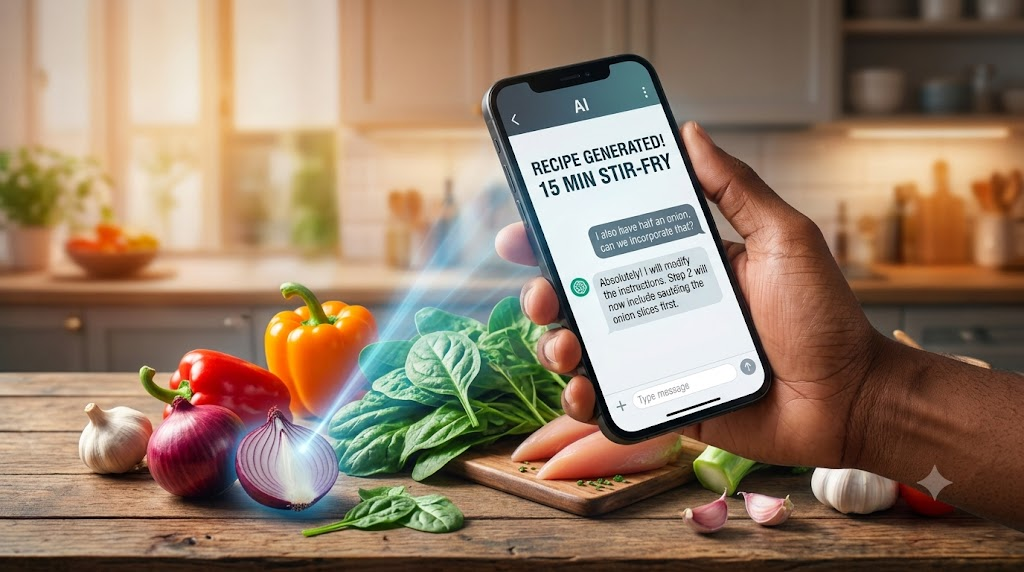
Once the AI generates the recipe, do a quick safety and sanity check. If the AI missed an ingredient, or if you want to swap something out, simply reply: “I also have half an onion, can we incorporate that?” or “I don’t want to use the hot sauce, what can I replace it with?”
Which AI Models Are Best for Food Recognition?
Not all AI models handle visual processing the same way. Here is a quick breakdown of the top performers in 2026:
| AI Model | Strengths for Cooking & Visuals | Best Used For |
| OpenAI GPT-4o | Incredible speed, highly accurate texture recognition, great at estimating quantities. | Quick, on-the-fly weeknight dinners. |
| Google Gemini 1.5 Pro | Massive context window. Can analyze a 5-minute video of your kitchen cabinets. | Deep pantry audits and complex meal planning. |
| Anthropic Claude 3.5 Sonnet | Exceptionally nuanced writing. Generates the most culinary-accurate, chef-like instructions. | Elevating basic ingredients into gourmet meals. |
Advanced Visual Prompting Hacks for Foodies
If you want to take your AI culinary skills to the next level, try these advanced prompts:
- The “Expiration Date” Prioritizer: “Look at these ingredients. Identify which ones look the closest to spoiling or wilting, and design a meal that prioritizes using them first.”
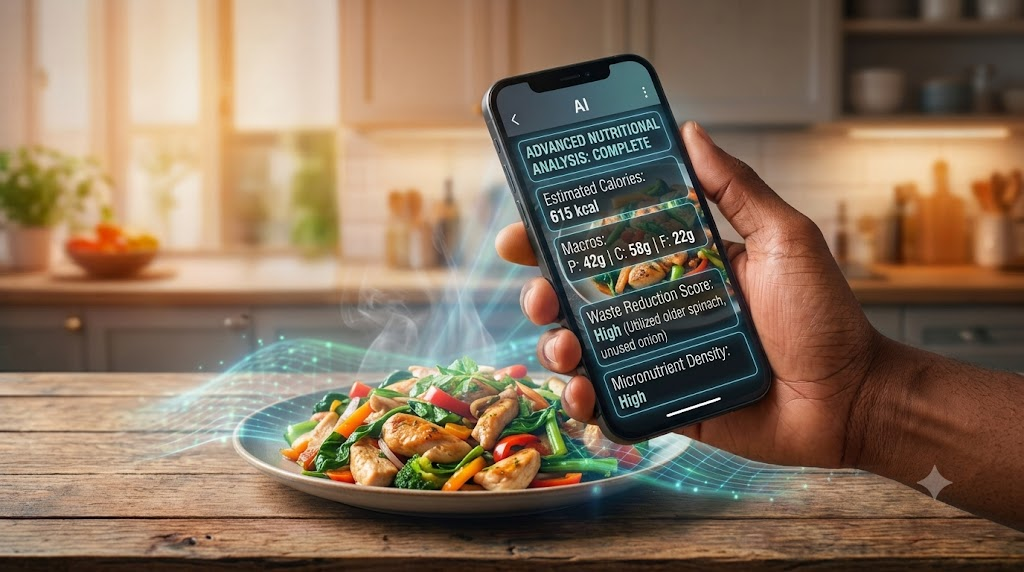
- The Macro-Tracker: “ID these ingredients and generate a high-protein, low-carb meal. Provide an estimated macro-nutrient breakdown (Calories, Protein, Carbs, Fats) based on the visual portion sizes.”
- The Reverse-Engineering Prompt: Take a picture of a meal you ordered at a restaurant or saw in a magazine and ask: “Analyze this finished dish. Deconstruct it into a raw ingredient list and provide a replica recipe so I can cook it at home.”
Read Also: DishGen vs. ChefGPT vs. FoodsGPT: Deep Dive Review of the Best AI Recipe Apps
Frequently Asked Questions (FAQs)
Can AI vision accurately detect food allergies or spoilage?
No. While AI vision is highly advanced, it cannot smell, taste, or detect microscopic bacteria or hidden allergens. Never rely on AI to determine if meat is spoiled or if a processed item is 100% allergen-free. Always use your human senses and check product labels for food safety.
Does visual prompting work for complex, packaged goods?
Yes! Most top-tier vision models can read barcodes, nutrition labels, and brand logos. If you upload a picture of a specific sauce bottle or spice blend, the AI will factor those exact flavor profiles into your recipe.
Read Also: How to Train a Custom ChatGPT/Gemini Agent to Act as Your Personal Sous Chef
How does visual prompting help reduce food waste?
According to environmental data, billions of pounds of food are wasted globally right in consumer kitchens. Visual prompting eliminates “fridge paralysis”—the inability to figure out what to cook with random leftovers—allowing you to utilize odd ingredients before they go bad.
The Future of the AI Kitchen
Visual prompting is completely reshaping our relationship with cooking. By turning your smartphone into an AI-powered sous chef, you save money, slash food waste, and break out of repetitive recipe ruts.
Next time you don’t know what’s for dinner, don’t open a delivery app. Open your camera, snap a photo, and let multimodal AI show you the culinary potential hiding right in your kitchen.



Leave a Reply