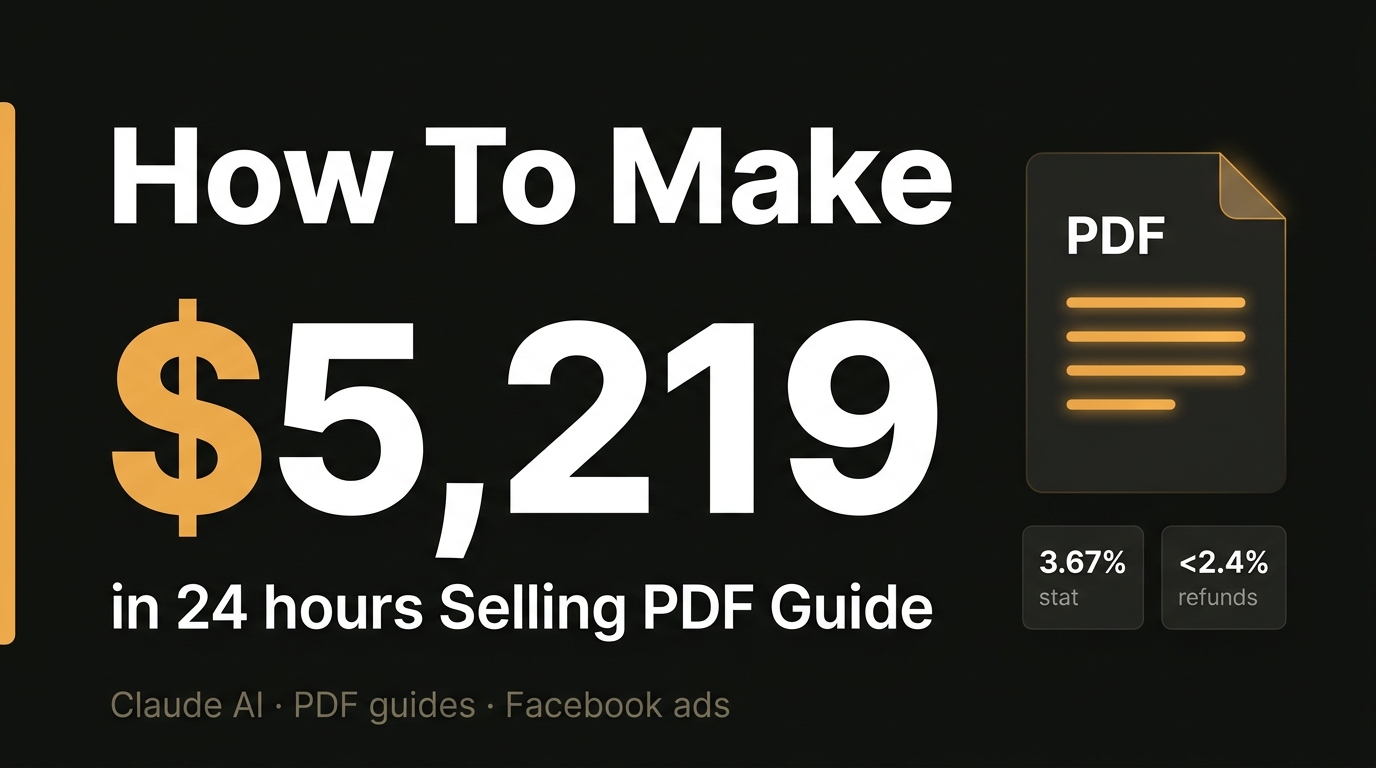
Selling digital products with AI is no longer a niche experiment. it’s a repeatable, low-overhead business model that independent creators are using to generate thousands of dollars in a single day. In this guide, we break down the exact process one creator used to earn $5,219 in 24 hours selling a simple PDF guide — with only $125 in refunds.
Read Also: How to Invest in Mutual Funds With AI: A Step-By-Step Guide (2026)
This is not theory. This is the step-by-step playbook, from finding your product idea to running Facebook ads that convert at 3.67%.
Table of Contents
- Why Selling PDF Guides Works in 2025
- Step 1 — Find a Winning Product Idea
- Step 2 — Write Your PDF Guide Using Claude AI
- Step 3 — Design Your Guide with Canva
- Step 4 — Build Your Sales Page on Shopify
- Step 5 — Drive Initial Sales with YouTube Influencers
- Step 6 — Scale to $5,000/Day with Facebook Lookalike Audiences
- Key Takeaways and Frequently Asked Questions
Why Selling PDF Guides Works in 2025
PDF guides are one of the highest-margin digital products available. Once created, there is no inventory, no shipping, and near-zero cost of delivery. Sold at a price point between $9 and $27, they hit a psychological sweet spot where buyers rarely request refunds and don’t expect a life-transforming experience — just genuinely useful, actionable advice.
This specific case study achieved:
- $5,219 in gross sales in 24 hours
- A 3.67% conversion rate on a cold-to-warm Shopify store
- Only $125 in refunds — less than 2.5% of total revenue
- Profit driven almost entirely by Facebook lookalike audiences seeded by influencer data
The secret is combining emotionally resonant product ideas with AI content creation and highly targeted paid traffic.
Here’s exactly how.
Step 1 — Find a Winning Product Idea
The biggest mistake new digital product sellers make is choosing a topic they think people want. The most reliable approach is to use search data to find topics people are already desperately searching for.
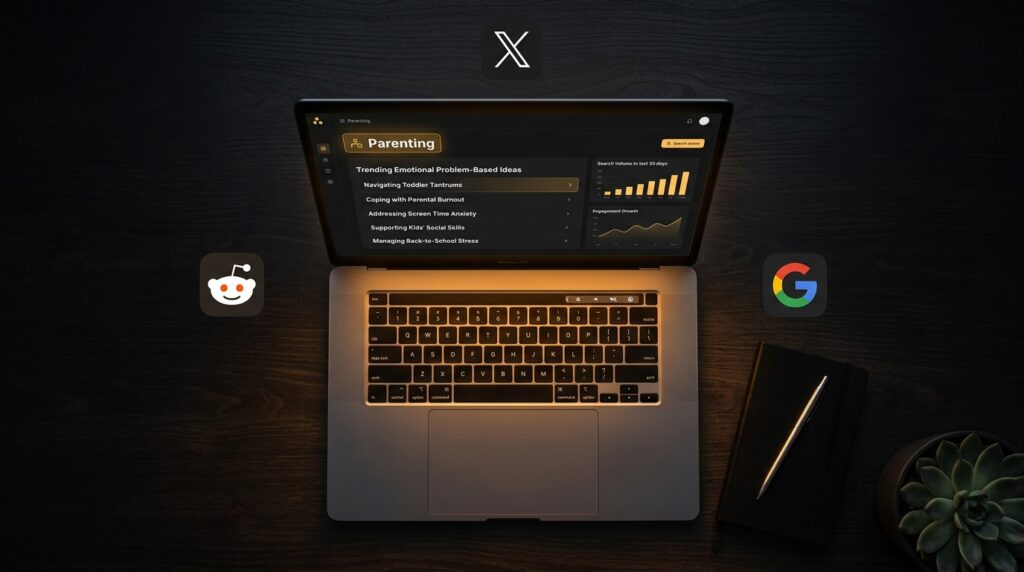
The tool used: PDF Trend Lab
PDF Trend Lab aggregates real-time search data from Google, Reddit, Twitter, and other platforms to surface emotionally-driven PDF guide ideas by niche. The key word here is emotional. People don’t buy a PDF titled “How to Brush Your Teeth” — they already know how. They do buy a guide titled “Parents Hate a Choppy Sleeper: How to Address Sleep Issues and Fix It for Good” because it speaks directly to a real, frustrating problem they’re living through right now.
How to use it:
- Select your niche (e.g., Parenting, Finance, Health, Relationships)
- Click Generate Ideas
- The tool returns a ranked list of high-demand guide ideas based on live search trends
- Save the ideas that resonate with a real emotional pain point
Pro tip: Once you have a title from PDF Trend Lab, ask Claude AI to refine it into something punchier and more emotionally compelling. A great title makes your ads far cheaper to run.
Step 2 — Write Your PDF Guide Using Claude AI
With your product idea locked in, the next step is creating the actual content. This is where most people expect to spend weeks writing. With AI, it takes hours.
Read Also: How to Get 1 Year of FREE Lovable Pro — Right Now
The tool used: Claude AI
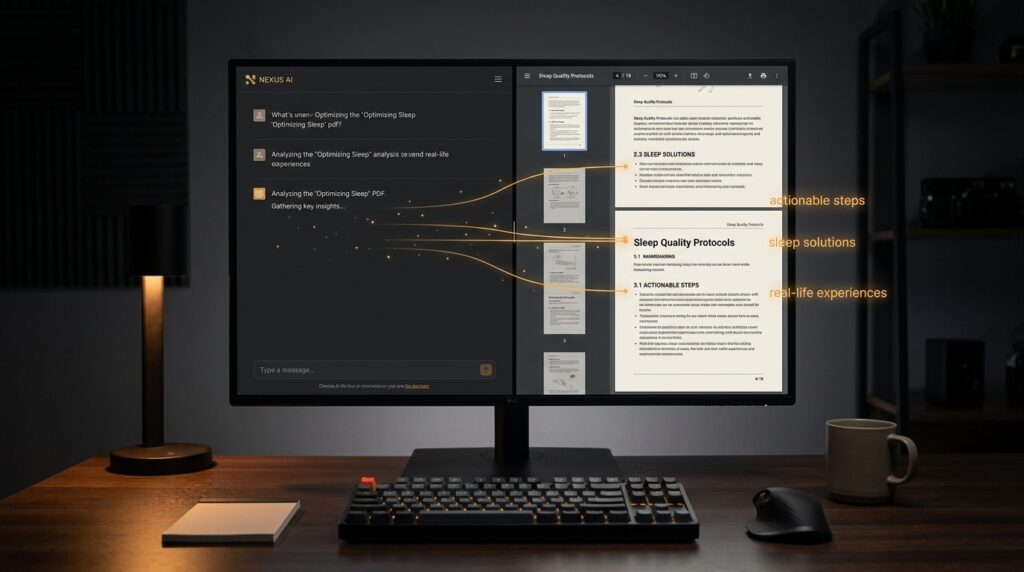
Claude is an AI assistant built by Anthropic. It is particularly well-suited to writing structured, long-form content like guides, frameworks, and how-to documents.
The exact prompt structure that works:
Write me an entire PDF guide for the title: [YOUR TITLE HERE]
Subtitle: [YOUR SUBTITLE HERE]
Make it full of actionable steps based on real-life experiences to help
the potential buyer. Write the full guide here in the chat.
Claude will generate a complete PDF guide — introduction, chapter structure, actionable steps, and conclusion — in a single response. The output typically includes:
- A compelling introduction that validates the reader’s problem
- Structured chapters with clear, numbered action steps
- Real-world context and examples that build credibility
- A conclusion that reinforces the value of the guide
Important: Always review the output before publishing. Make sure the advice is sound, genuinely helpful, and appropriate for the price point. At $9–$27, buyers expect useful, practical help — and a well-edited AI guide delivers exactly that.
Step 3 — Design Your Guide with Canva
Content alone doesn’t sell. Presentation matters. A professionally designed PDF signals quality and builds trust before the buyer reads a single word.
The tools used: Canva + Unsplash
Cover image: Search Unsplash for a high-quality, emotionally relevant photograph (e.g., “sleeping child” for a sleep guide). Unsplash images are free to use commercially with no license fee required.
Interior pages:
- In Canva, create a new document (standard 8.5″ × 11″ or A4)
- Add a new page for each section of your Claude-generated content
- Copy and paste the text from Claude directly into Canva
- Adjust font size, hierarchy, and spacing for readability
- Add subtle design elements (dividers, icons, color accents) to match your cover
A clean, readable layout is more important than a flashy one. Buyers are reading this to solve a problem — make it easy to follow.
Step 4 — Build Your Sales Page on Shopify
Where you sell matters as much as what you sell. The platform determines how much you can control the buying experience — and conversion rate is everything.
Why Shopify over Etsy or Gumroad:
| Platform | Customization | Competition | Conversion Control |
|---|---|---|---|
| Shopify | Full | None | Full |
| Etsy | Limited | High | Low |
| Gumroad | Minimal | Moderate | Low |
On Etsy, you’re competing against sellers with tens of thousands of reviews. Your new listing won’t surface organically. On Shopify, you control the entire experience — the headline, the trust signals, the checkout flow, the upsells.
The creator in this case study achieved a 3.67% conversion rate on Shopify — a number that directly reflects the quality of the sales page and the warmth of the traffic.
Setup essentials:
- Install the Facebook Pixel on your Shopify store immediately (even before you launch ads — you need it collecting data from influencer traffic first)
- Write a product description that leads with the emotional problem, not the product features
- Include a clear, single call-to-action
- Set your price between $9 and $27 — the impulse-buy zone for digital guides
Use this link to get Shopify for $1 for your first 3 months.
Step 5 — Drive Initial Sales with YouTube Influencers
Before Facebook ads can work effectively, you need warm data — real buyers and website visitors that Facebook can analyze. The fastest way to generate that data is through YouTube influencer partnerships.
Why YouTube over TikTok or Instagram:
A single YouTube video can be 20–30 minutes long. A viewer who watches that video spends 20–30 minutes with one creator. On TikTok, that same viewer might watch 200 clips in the same time. YouTube audiences trust their creators more deeply — and that trust transfers to the products they recommend.
The outreach model that generated $15,000 in 30 days before the $5K day:
- Find a YouTube creator in your niche with consistent viewership (100K–500K views per video is a strong range)
- Offer a flat fee + affiliate commission structure (e.g., $700 upfront + 15% per sale)
- The creator integrates your guide organically into a relevant video segment
- Their audience clicks through to your Shopify store, and your Facebook Pixel records every action
This influencer campaign served two purposes: it generated direct sales AND it warmed up the Facebook Pixel with thousands of highly relevant website visitors.
Step 6 — Scale to $5,000/Day with Facebook Lookalike Audiences
This is the mechanism that turned a good business into a $5,000/day business. Once the Facebook Pixel has collected data from your influencer traffic, you can instruct Facebook to find millions of people who behave just like your buyers.
6a. Create Custom Audiences
In your Facebook Ads Manager:
- Go to All Tools → Audiences → Create Audience → Custom Audience → Website
- Select your Pixel
- Create separate audiences for each event:
- All Website Visitors (180 days)
- Page View (180 days)
- View Content (180 days)
- Add to Cart (180 days)
- Purchase (180 days)
- Name each audience clearly (e.g.,
ATC_180D,PURCHASE_180D)
The longer your lookback window, the more data Facebook has to work with. 180 days is recommended.
6b. Build Lookalike Audiences
For each custom audience:
- Go to Create Audience → Lookalike Audience
- Select your custom audience as the source
- Set the audience size to 1–5% (1% = most similar, 5% = broader)
- Create separate lookalikes at 1–2%, 2–3%, and 3–5%
A 1% lookalike audience from your Purchase custom audience means Facebook will find millions of people across the country who statistically behave and look like your actual buyers — their interests, browsing habits, purchase behavior, and demographics.
This is why the conversion rate was 3.67%. The traffic was not cold. It was warm-by-proxy — people who looked exactly like the parents who already bought the guide.
6c. Run Your Ads
Instead of using Facebook’s interest-based targeting (e.g., “Parents with children ages 3–5”), select your lookalike audiences in the Custom Audiences field of your ad set. This bypasses cold audience targeting entirely.
- Start with the 1–2% lookalike from your Purchase event — this is your hottest audience
- Test with a modest daily budget before scaling
- Name each ad set after the audience it targets so you know exactly what’s working
Key Takeaways
What made this $5,219 day possible?
The short answer: warm data before paid ads. The influencer partnership generated real buyers and website visitors. The Facebook Pixel recorded that data. Lookalike audiences then found millions of similar people. By the time Facebook ads launched, they weren’t targeting strangers — they were targeting statistically proven buyers.
Is using AI to write a PDF guide ethical?
Yes — if you review and stand behind the content. At a $9–$27 price point, buyers aren’t expecting a PhD dissertation. They’re expecting clear, actionable advice that helps them solve a real problem. Claude AI is highly capable of producing exactly that, especially when you review and refine the output.
Do I need a big budget to start?
No. The influencer deal in this case cost $700 flat + 15% affiliate. That’s the seed investment that warmed the pixel. Facebook ads can start small — even $20–$50/day — and scale once a winning ad set is identified.
What niches work best for PDF guides?
The best niches are those with high emotional stakes and frustrated searchers. Strong performers include:
- Parenting (sleep, behavior, screen time, tantrums)
- Relationships (communication, rebuilding trust, dating)
- Health & Wellness (gut health, anxiety, sleep, hormones)
- Finance (debt payoff, side income, budgeting for families)
- Career (interview prep, salary negotiation, career pivots)
Use PDF Trend Lab to validate the specific topic within any niche before creating your guide.
The Full Stack (Tools Used)
| Purpose | Tool |
|---|---|
| Product idea research | PDF Trend Lab |
| Content creation | Claude AI (Anthropic) |
| Cover image | Unsplash (free) |
| Guide design | Canva |
| Sales platform | Shopify |
| Audience intelligence | Facebook Pixel + Lookalike Audiences |
| Initial traffic | YouTube influencer partnership |
Final Word
This business model — AI-assisted content creation, emotionally driven product selection, Shopify sales pages, and Facebook lookalike audiences seeded by influencer data — is one of the most accessible digital product strategies available today. The barriers are low. The margins are high. And the tools are free or inexpensive.
The $5,219 in 24 hours wasn’t luck. It was the compounding result of smart product selection, warm pixel data, and audience targeting that worked because the groundwork had already been laid.
Start with the idea. Build the guide. Warm the pixel. Then let Facebook do the heavy lifting.
Disclaimer: Individual results vary. This article documents one creator’s experience and strategy. Revenue figures are not guaranteed. Always review AI-generated content before publishing or selling.

Leave a Reply