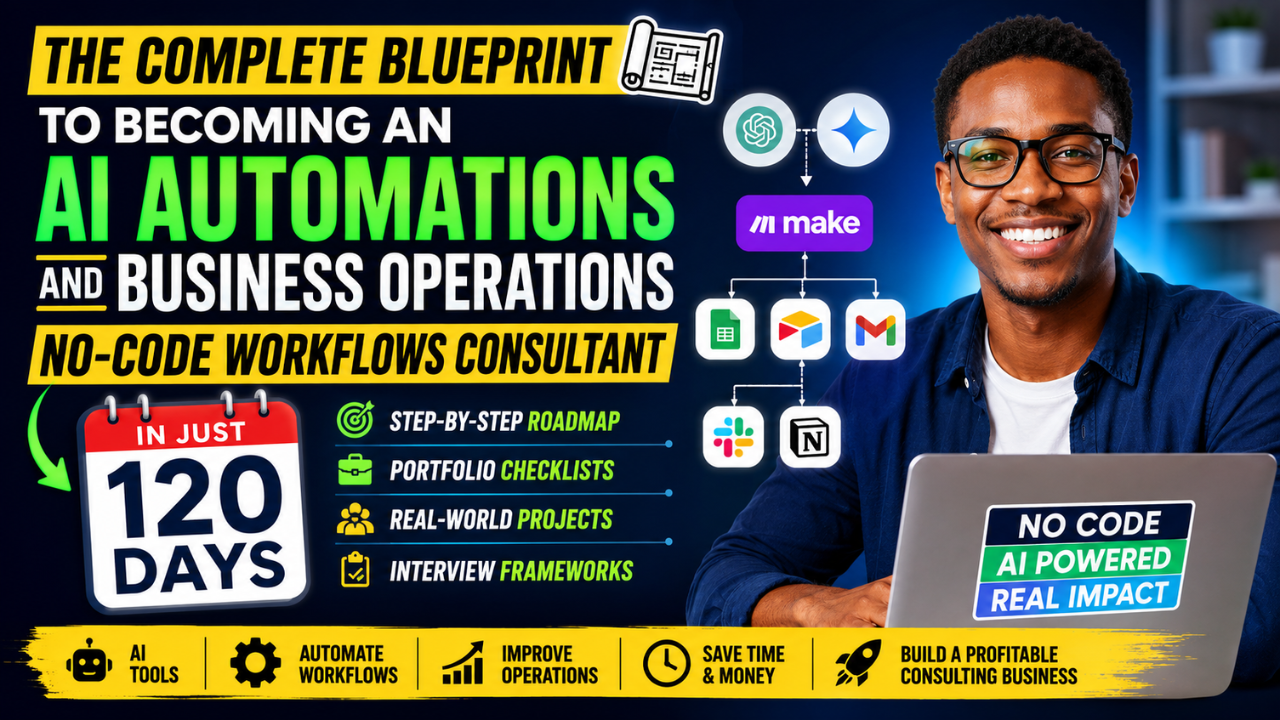
Study Roadmaps, Portfolio Checklists, and Direct Interview Frameworks
Author: Olasunkanmi Adeniyi

Artificial Intelligence is changing how businesses operate.
Companies want to automate repetitive tasks, reduce costs, improve customer experience, and increase productivity.
Read Also: How to Build Free Brand Assets for Your Business With LoveArt: Complete Beginner’s Guide (2026)
The problem is simple.
Most businesses do not know where to start.
That is where AI Automation and Business Operations Consultants come in.
These professionals help businesses:
• Automate workflows
• Connect software tools
• Eliminate manual tasks
• Improve team productivity
• Build AI-powered systems without writing code
The good news?
You do not need a Computer Science degree.
You do not need to become a software engineer.
You can learn the skills, build a portfolio, and start offering services within 120 days.
This blueprint shows you exactly how.
What Does an AI Automation and Business Operations Consultant Do?
An AI Automation Consultant helps organizations improve operations using AI tools and no-code platforms.
Typical projects include:
• Automating customer support
• Creating AI chatbots
• Building lead generation systems
• Automating data entry
• Creating automated reporting dashboards
• Automating email workflows
• Building CRM automations
• Connecting business apps
• Creating AI content workflows
• Improving operational efficiency
Popular tools include:
• ChatGPT
• Claude
• Gemini
• Make
• Zapier
• n8n
• Airtable
• Notion
• HubSpot
• Google Workspace
• Slack
• ClickUp
• Monday.com
The 120-Day Roadmap
The journey is divided into four phases.
Phase 1: Foundation
Phase 2: Workflow Building
Phase 3: Portfolio Development
Phase 4: Client Acquisition
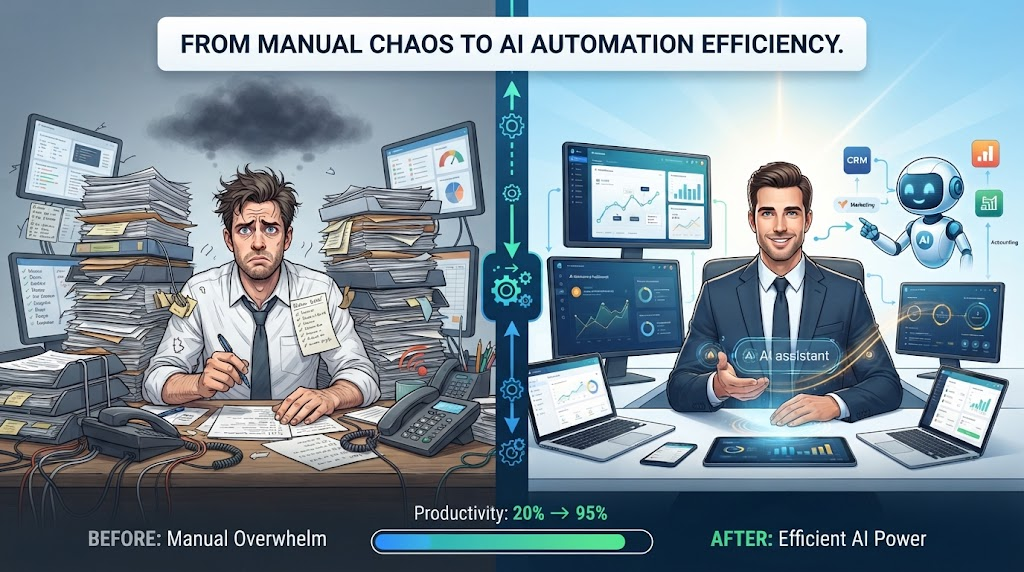
PHASE 1: FOUNDATION (DAY 1-30)
Goal
Understand AI, business operations, and workflow automation.
Week 1: Learn AI Fundamentals
Study:
• What is AI?
• Large Language Models
• Prompt Engineering
• AI Use Cases
Practice:
• Use ChatGPT daily
• Use Claude daily
• Use Gemini daily
Daily Exercise:
Spend 30 minutes solving business problems using AI.
Example:
Create meeting summaries.
Generate email drafts.
Write SOPs.
Create reports.
Week 2: Learn Business Operations
Study:
• Sales Operations
• Marketing Operations
• Customer Support Operations
• Human Resources Operations
• Finance Operations
Understand:
Every business runs on processes.
Processes create opportunities for automation.
Exercise:
Map the workflow of:
• A restaurant
• An online store
• A logistics company
• A consulting business
Week 3: Learn No-Code Platforms
Focus on:
• Zapier
• Make
• Airtable
Build:
Workflow 1
Google Form → Airtable
Workflow 2
Email → Airtable
Workflow 3
Airtable → Slack
Week 4: Process Mapping
Learn:
• Process Documentation
• SOP Creation
• Workflow Design
Read Also: 50 AI SIDE HUSTLES YOU CAN START RIGHT NOW
Use tools like:
• Miro
• Whimsical
• Lucidchart
Project:
Document 10 business processes.
PHASE 2: WORKFLOW BUILDING (DAY 31-60)
Goal
Build real automation systems.
Project 1: Lead Generation Automation
Workflow:
Website Form
↓
CRM
↓
Email Notification
↓
Follow-Up Sequence
Tools:
• Tally
• HubSpot
• Make
Outcome:
Automatic lead capture and follow-up.
Project 2: Customer Support Automation
Workflow:
Customer Question
↓
AI Response
↓
Knowledge Base Search
↓
Escalation if Needed
Tools:
• ChatGPT
• Intercom
• Zendesk
Outcome:
Reduced support workload.
Project 3: AI Content Engine
Workflow:
Topic Input
↓
AI Content Creation
↓
Review
↓
Publishing Queue
Tools:
• ChatGPT
• Notion
• Make
Outcome:
Faster content production.
Project 4: Operations Dashboard
Build a dashboard showing:
• Sales
• Leads
• Revenue
• Customer Tickets
Tools:
• Airtable
• Looker Studio
Outcome:
Real-time business insights.
PHASE 3: PORTFOLIO DEVELOPMENT (DAY 61-90)
Goal
Build proof of work.
Clients buy evidence.
Not certificates.
Create 5 Portfolio Projects
Portfolio Project 1
Sales Automation System
Show:
• Workflow diagram
• Automation screenshots
• Results
Portfolio Project 2
Customer Support Assistant
Show:
• Chatbot design
• Knowledge base structure
• Escalation process
Portfolio Project 3
AI Content Workflow
Show:
• Inputs
• Outputs
• Time savings
Portfolio Project 4
Recruitment Automation
Workflow:
Application
↓
Screening
↓
Interview Scheduling
↓
Candidate Tracking
Portfolio Project 5
Business Reporting Automation
Workflow:
Data Collection
↓
Dashboard Creation
↓
Automated Reports
Read Also: 10 Best AI Tools for Small Business Owners in 2026
Portfolio Structure
Each project should include:
Problem
Solution
Tools Used
Workflow Diagram
Screenshots
Results
Lessons Learned
Portfolio Checklist
- Professional headshot
- LinkedIn profile
- Personal website
- About page
- Service page
- Five portfolio projects
- Case studies
- Contact page
- Testimonials
- Calendly booking link
PHASE 4: CLIENT ACQUISITION (DAY 91-120)
Goal
Get your first paying clients.
Create Your Service Packages
Package 1
Automation Audit
Price Range:
$100 – $500
Deliverables:
• Process review
• Automation opportunities
• Recommendations
Package 2
Workflow Implementation
Price Range:
$500 – $3,000
Deliverables:
• Workflow setup
• Testing
• Documentation
Package 3
AI Operations Consulting
Price Range:
$1,500 – $10,000+
Deliverables:
• Business analysis
• Automation roadmap
• Team training
LinkedIn Growth Strategy
Post daily.
Content ideas:
• Automation case studies
• Before and after workflows
• AI tips
• Process improvement insights
• Client results
Simple formula:
Problem
↓
Solution
↓
Result
↓
Call To Action
Cold Outreach Framework
Subject:
Quick Idea to Save Your Team Time
Message:
Hi [Name],
I noticed your team handles [specific process].
I identified a few automation opportunities that could save several hours each week.
I recorded a short audit showing the opportunities.
Would you like me to send it over?
Regards,
[Your Name]
Direct Interview Framework
Many companies now hire AI Automation Consultants.
Use this framework.
Question 1
Tell us about yourself.
Answer Framework:
Past
Present
Future
Example:
I have experience in operations and process improvement. Recently I focused on AI automation and workflow design. My goal is to help organizations improve productivity through automation and operational excellence.
Question 2
How do you identify automation opportunities?
Answer Framework:
Observe
Document
Analyze
Automate
Measure
Example:
I begin by documenting existing processes. I identify repetitive tasks, bottlenecks, and manual data transfers. I then design automation solutions and measure the impact using productivity and cost-saving metrics.
Question 3
Describe a workflow you built.
Answer Framework:
Problem
Solution
Result
Example:
A business was manually transferring leads into a CRM. I created an automated workflow using forms, Airtable, and Make. Lead response time improved significantly and manual work was eliminated.
Question 4
How do you measure success?
Key Metrics:
• Time Saved
• Cost Reduction
• Error Reduction
• Productivity Increase
• Customer Satisfaction
Question 5
What AI tools do you use?
Mention:
• ChatGPT
• Claude
• Gemini
• Make
• Zapier
• Airtable
• Notion
Then explain a use case for each.
High-Income Skills to Master
- Workflow Design
- Process Mapping
- AI Prompt Engineering
- Business Analysis
- Documentation
- Client Communication
- Automation Architecture
- Data Management
- Project Management
- Change Management
The Consultant’s Daily Routine
Morning
• Industry learning
• AI testing
• Client communication
Midday
• Workflow building
• Documentation
• Meetings
Evening
• Portfolio updates
• LinkedIn content
• Lead generation
Common Mistakes Beginners Make
- Learning too many tools.
- Avoiding real projects.
- Waiting for certifications.
- Ignoring business processes.
- Not documenting work.
- Building without solving problems.
- Not creating a portfolio.
Your First 30-Day Action Plan
Week 1
Learn AI fundamentals.
Week 2
Study business operations.
Week 3
Learn Make and Zapier.
Week 4
Build your first workflow.
By Day 30:
You should have completed at least three automations.
Your First 60-Day Action Plan
By Day 60:
• Build five workflows.
• Create workflow diagrams.
• Document projects.
• Publish LinkedIn content.
Your First 90-Day Action Plan
By Day 90:
• Launch portfolio website.
• Publish case studies.
• Create service packages.
• Begin outreach.
Your First 120-Day Action Plan
By Day 120:
• Have five portfolio projects.
• Conduct automation audits.
• Apply for consulting jobs.
• Start freelancing.
• Secure your first client.
Final Thoughts
The future belongs to professionals who can combine AI, business operations, and workflow automation.
Businesses do not need more complexity.
They need better systems.
If you spend the next 120 days following this roadmap, building projects, documenting your work, and solving real business problems, you can position yourself as a valuable AI Automation and Business Operations No-Code Workflow Consultant.
Start today.
Build one workflow.
Document it.
Repeat.
That is how expertise is built.
About the Author
Olasunkanmi Adeniyi is a solo founder, product builder, no-code and low-code developer, and SEO/content strategist. He builds websites, SaaS products, digital tools, and content systems using AI and modern development tools.
His work focuses on practical AI implementation rather than theory. He experiments with AI-powered workflows, product development, automation, SEO, and online business, documenting the lessons, tools, and processes that help founders and creators build and launch faster.
Through his blog, www.aidiscoveries.io Olasunkanmi Adeniyi shares practical guides on AI tools, SaaS development, no-code and low-code building, SEO, content strategy, and online business.





Leave a Reply